
Scan credits and packs
How many scans are included, what extra packs cost, when a credit is used and how to restore a purchase.
On this page
Jetlog is free to use until further notice. AI logbook scanning needs the optional subscription, which includes your first 10 scans. After that you buy packs of scan credits. One credit scans up to three logbook pages.
What scanning costs #
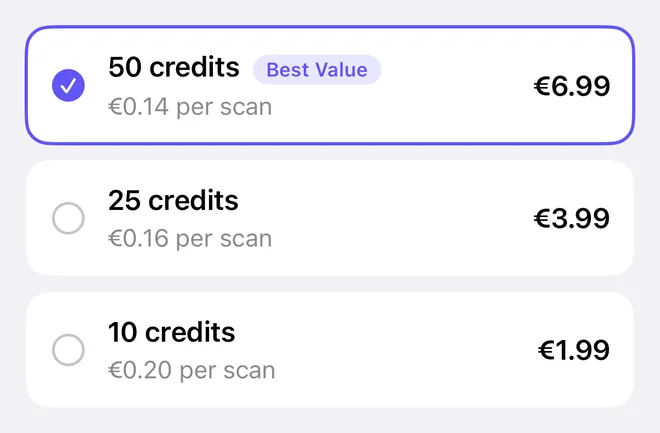
A subscription is optional and costs €2.99 a month or €29.99 a year. It unlocks AI logbook scanning, and the first 10 scans are included as a one-time grant when you subscribe. Extra scans come in packs:
| Pack | Price |
|---|---|
| 10 credits | €1.99 |
| 25 credits | €3.99 |
| 50 credits | €6.99 |
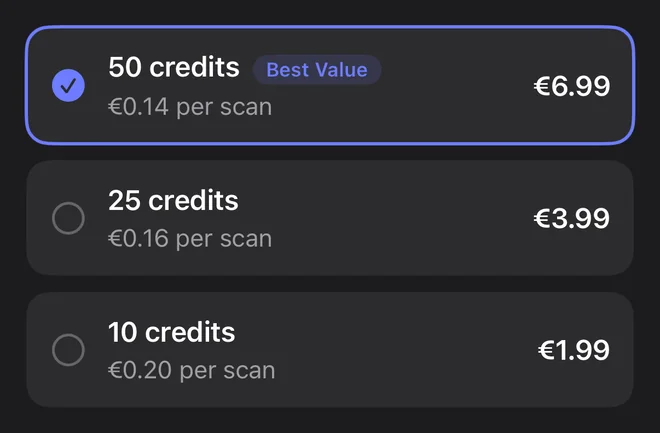
The app shows the price from the App Store, with the price per scan and a Best Value tag. Details are on pricing. Packs are for subscribers.
Credits belong to your Jetlog account and work on all your devices.
When a credit is used #
- One scan uses one credit, whether it has one page or three, and however many flights are on the pages.
- A credit is only used when a scan succeeds. A failed scan costs nothing.
- Importing files such as exports and statement PDFs uses no credit. The exception is a PDF Jetlog cannot read itself. Then it offers Use AI, which scans the file and uses a credit.
Check your credits and buy a pack #
- Open Scan Pages from the + button on the logbook.
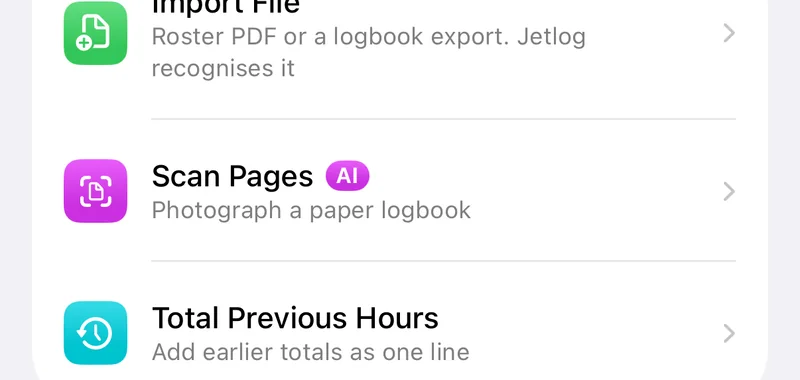
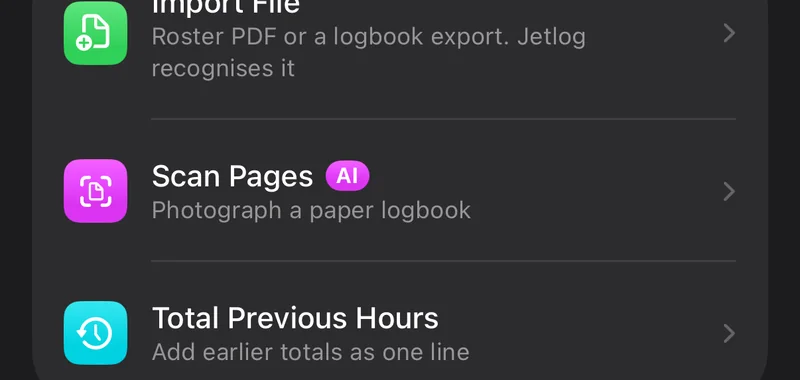
- Look at the Scan Credits card at the top. It shows the number you have left, or No credits left.
- Tap the number or Buy Credits to open Scan Credits.
- Choose a pack and confirm the purchase with the App Store.
With no credits left, the scan sources open the credit screen instead. If a purchase waits for approval, for example from a family organiser, Jetlog adds the credits once it is approved.
Restore purchases #
If you reinstall the app or sign in on a new device and credits are missing, open Scan Credits and tap Restore Purchases. Jetlog confirms with Purchases restored.
Refunds #
If you ask Apple for a refund of a pack, Jetlog tells Apple whether the pack was delivered, how much of it you used and whether you received free scans. No logbook data or scanned pages are shared. If Apple refunds the pack, the credits of that pack that you have not used yet are removed from your balance.
How scanning works is on Scanning a paper logbook.
Still stuck? Write to support and a pilot answers.