Aircraft, people and places
Where your aircraft, crew, airports and simulators live in Jetlog and how to add or change them.
Aircraft, people and places are lists under Settings > Flying. You can add to them from a flight as well.
Aircraft #
Open Settings > Flying > Aircraft. The list holds your aircraft and your simulators.
To add an aircraft, type its registration in the search field. Once you have typed at least three characters of a registration that is not in your list, the first row offers to create it, for example Create 'PH-BXA' (A320). The type shows when Jetlog finds the registration. Tap the row, or tap + for the New aircraft screen.
The screen has:
- Registration. Type it with or without the dash. Jetlog keeps only letters and digits. It cannot be changed afterwards.
- Use system data, with the subtitle "Auto find ICAO/IATA code". Switch it off to type your own.
- ICAO Code and IATA Code. See A missing airport or aircraft type.
Tap Add. To edit one, tap it in the list. Delete is on the edit screen.
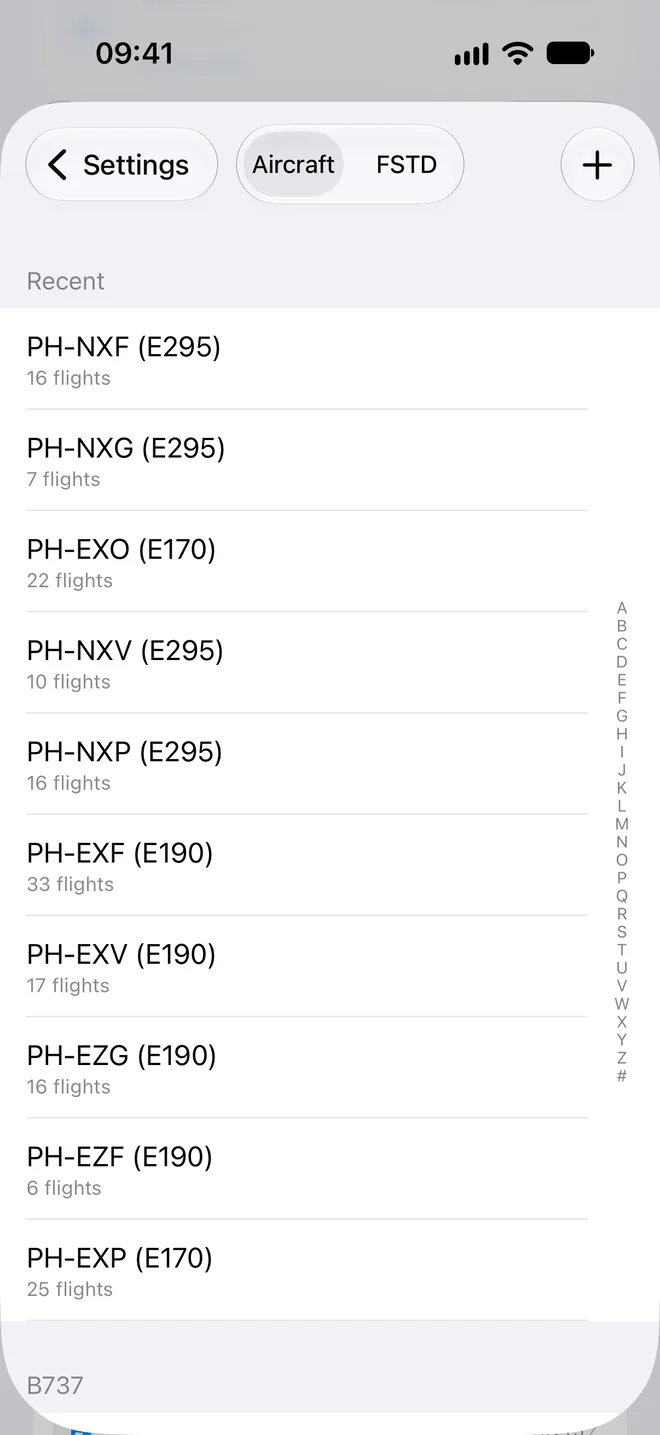
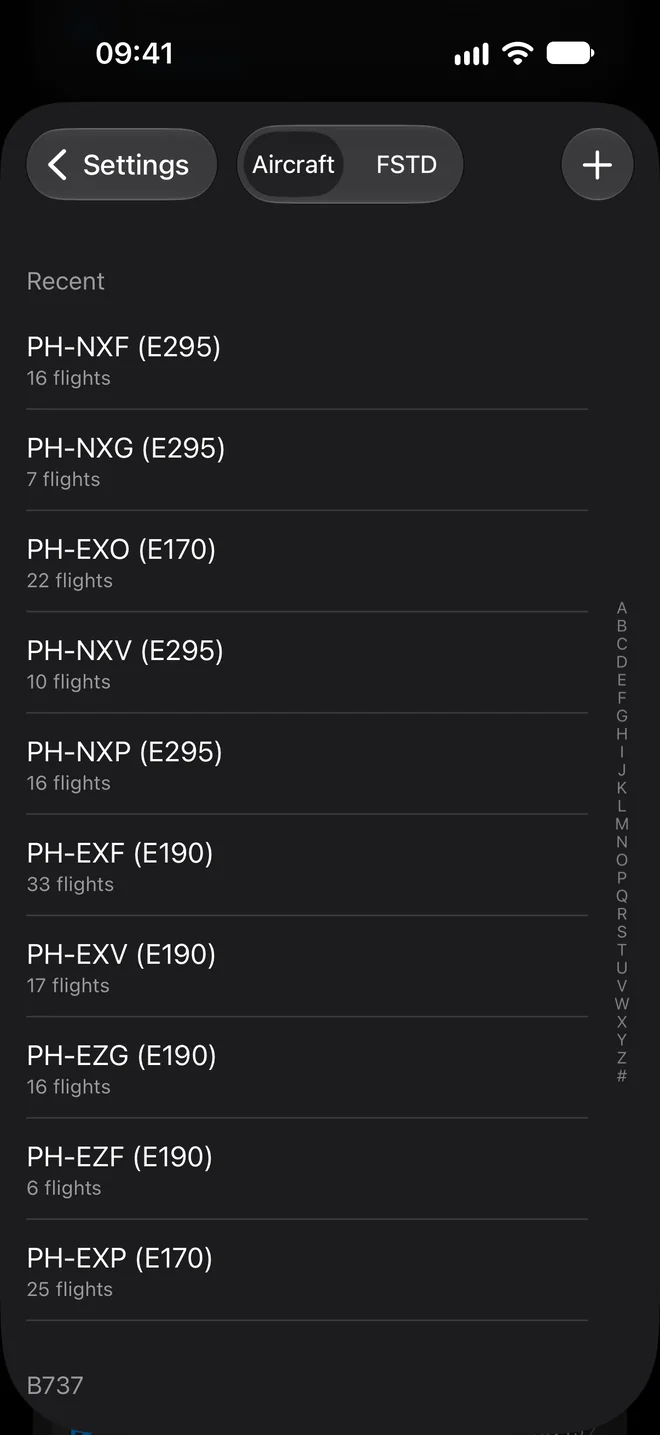
Simulators are in the same list. See Logging simulator sessions for the New FSTD screen.
People #
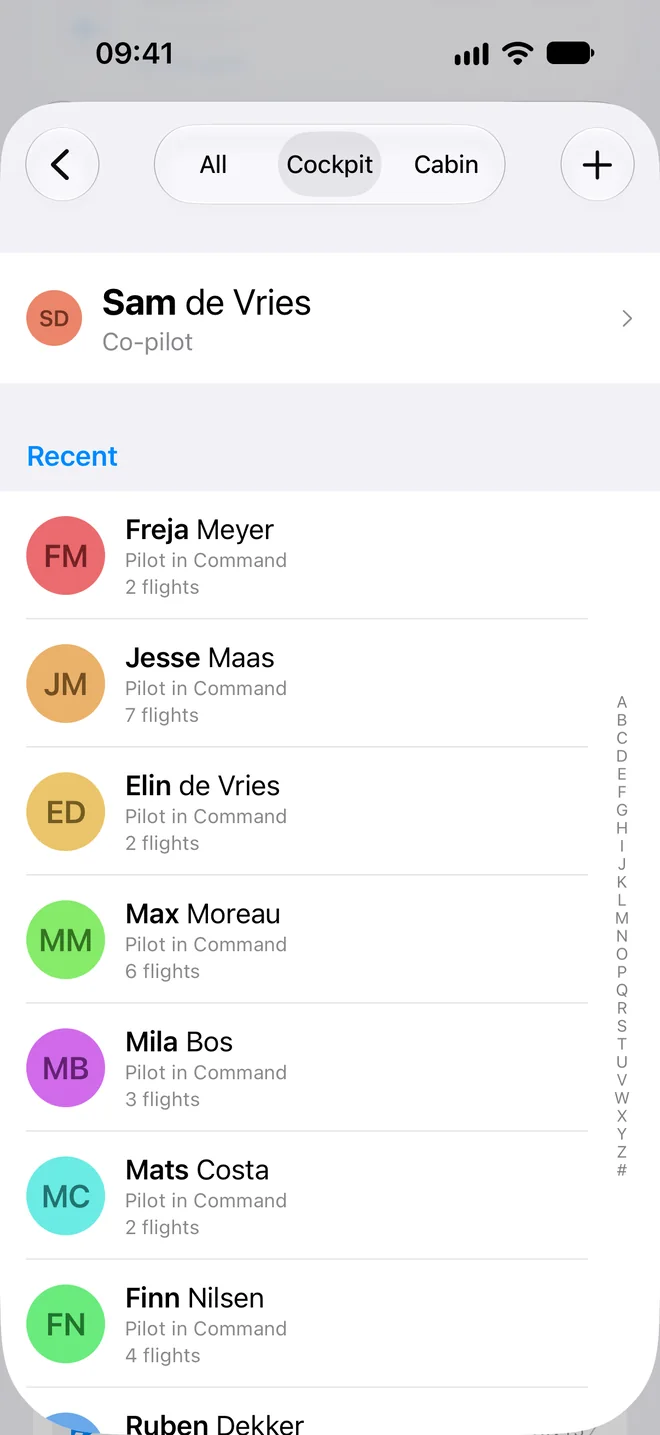
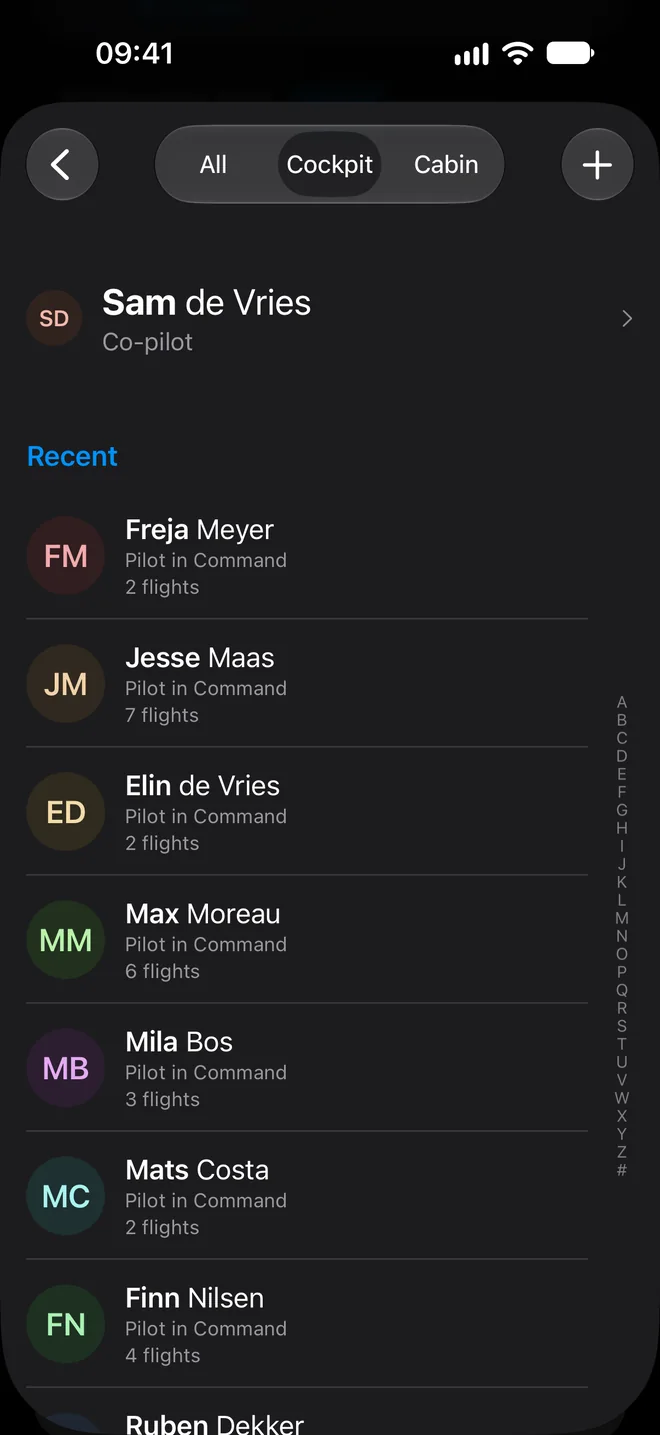
Open Settings > Flying > People. Tap + to add a person. The fields are First name, Last name, Default role, Employee number, Notes and a photo.
The default role is what the role screen suggests when you add that person as crew on a flight. Your own details are in the first row of Settings, the one with your name.
Places #
Open Settings > Flying > Places. The list can show All places or only your Custom ones.
Tap + to add a place. In New Place choose Official or Custom, fill in the fields and tap Add.
- Official takes an ICAO and an IATA code.
- Custom takes one Code of your own. It cannot be changed afterwards. Delete the place and add a new one to use a different code.
Both take a Name, Latitude, Longitude, Country and Timezone. Latitude and longitude accept decimals, degrees minutes seconds or degrees and decimal minutes. Set on Map places the point by hand. Latitude, longitude and timezone are what local times and night calculations use.
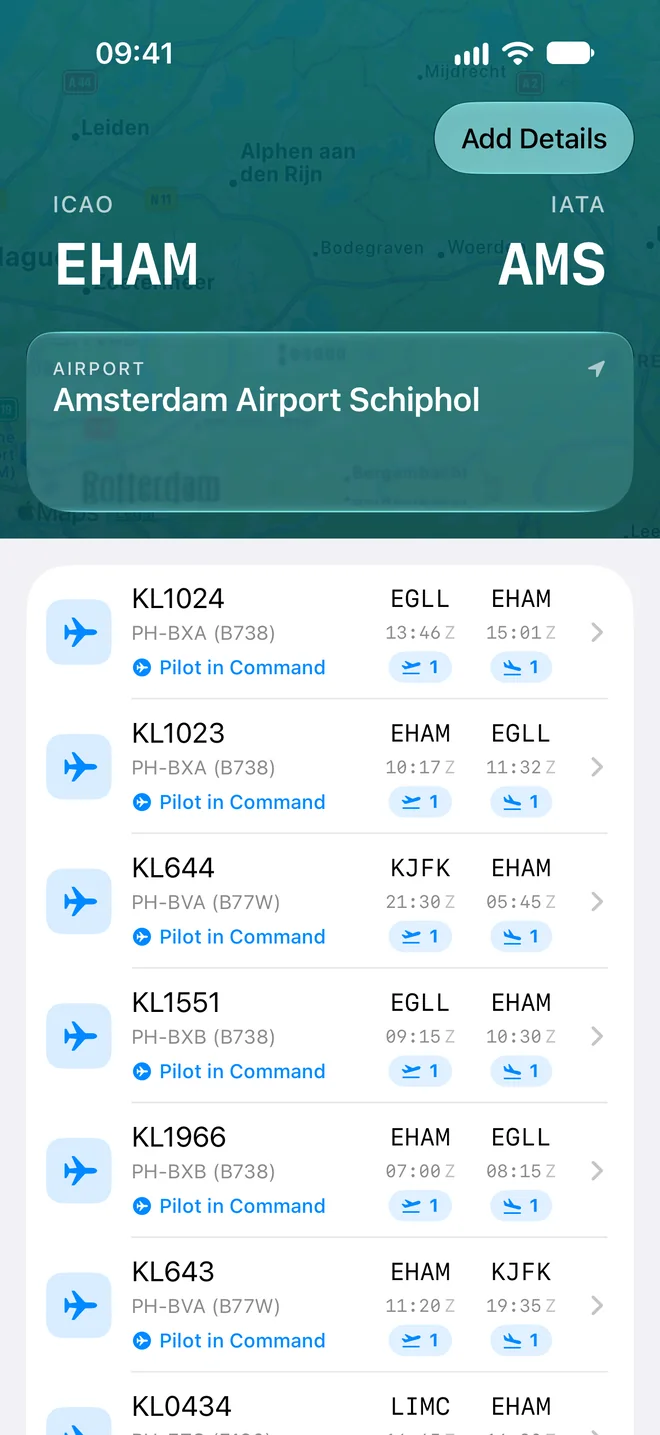
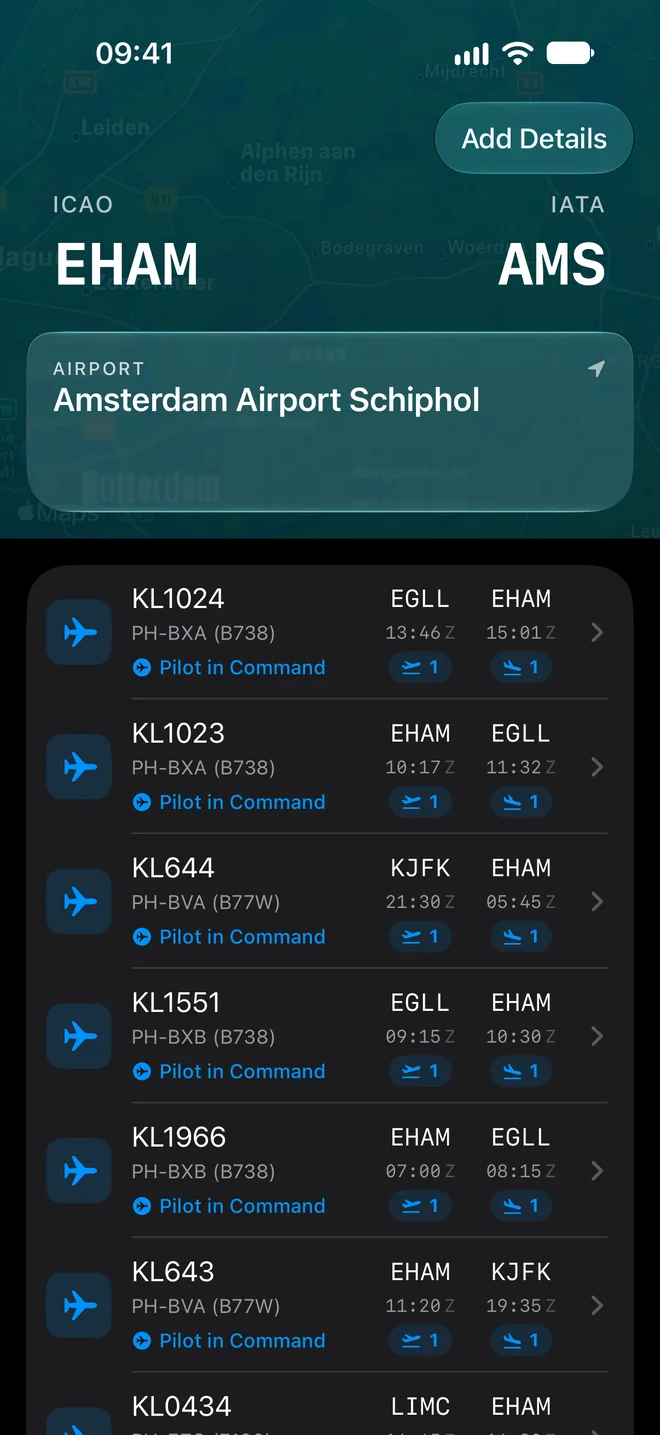
If a code you made up later appears in Jetlog's own airport list, the Review Promoted Places row on the Places screen shows how many are pending. For each you can adopt the official entry. That deletes your own place and cannot be undone.
The Airport Codes row on the Places screen switches the app between ICAO and IATA codes. See Settings, row by row.
Still stuck? Write to support and a pilot answers.